


How to Setup a Smartwatch
Smartwatch Setup Guide
Before you begin: Fully charge your smartwatch.
Step 1 — Download the app Find the companion app name on the box your smartwatch came in, or scan the QR code found in your smartwatch's settings. Then install it on your phone: Google Play Store for Android, or the Apple App Store for iOS.
Step 2 — Pair your devices Make sure your smartwatch is turned on. Enable Bluetooth on your phone, but do not pair the watch through your phone's Bluetooth settings. Instead, open the companion app, go to Device → Add New Device, select your smartwatch from the list, and follow the on-screen prompts to complete pairing.
Step 3 — Set up notifications In the app, toggle on the Push Notifications you want — SMS, email, and any third-party apps.
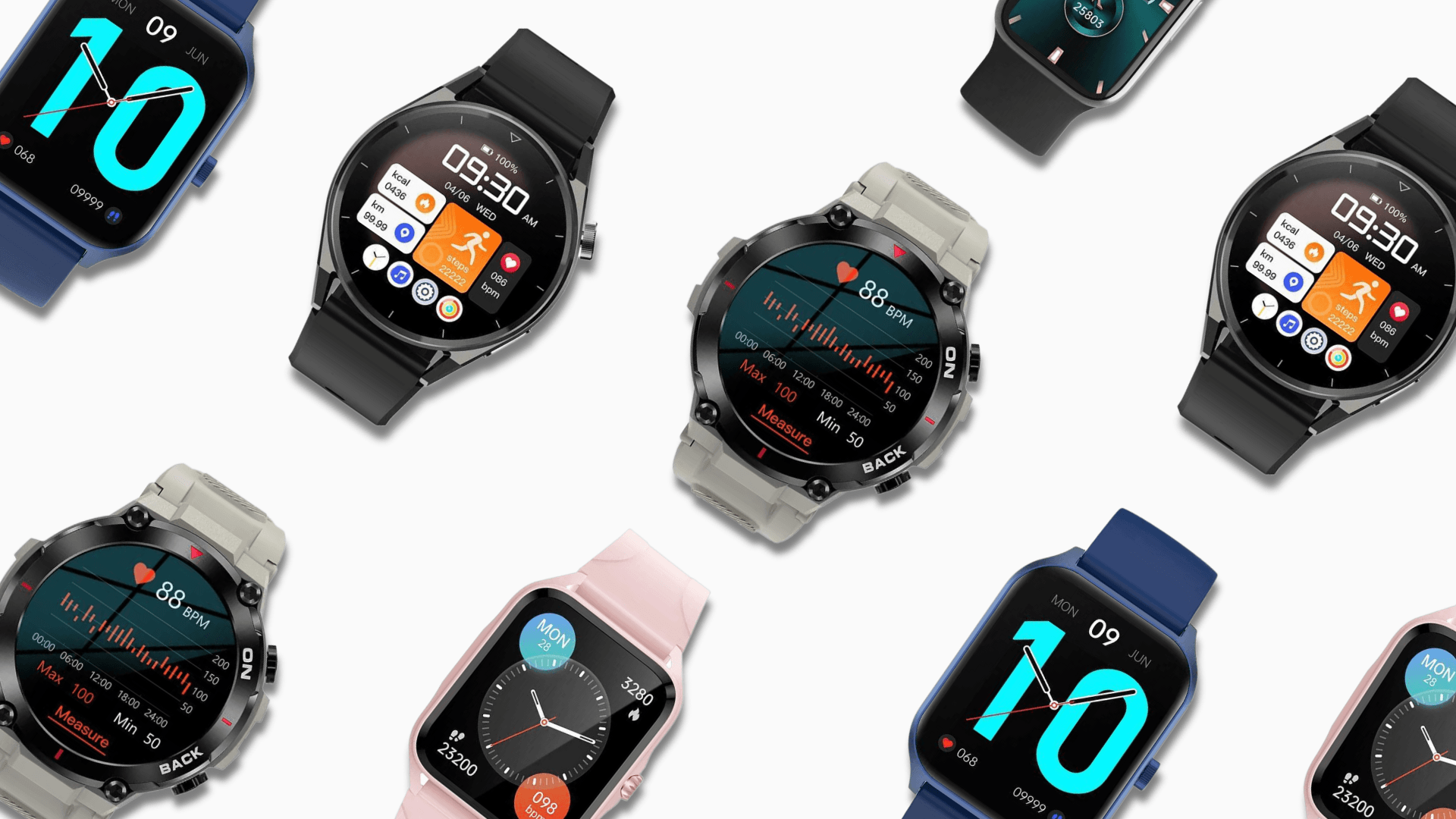
Step 4 — Customise your watch face Browse the dial centre in the app to pick a style, or import your own photo as a custom dial.
You're all set! Your smartwatch can now make and receive calls, track health and fitness, and mirror your phone's apps.


Leave a comment
This site is protected by hCaptcha and the hCaptcha Privacy Policy and Terms of Service apply.